

desk-hitl plugin connects your agent to Botpress Desk for human handoff. When escalated, your agent calls startHitl to create a Desk ticket and a support agent takes over from there.
Add desk-hitl to your agent
Add the plugin to agent.config.ts:
Customize handoff messages
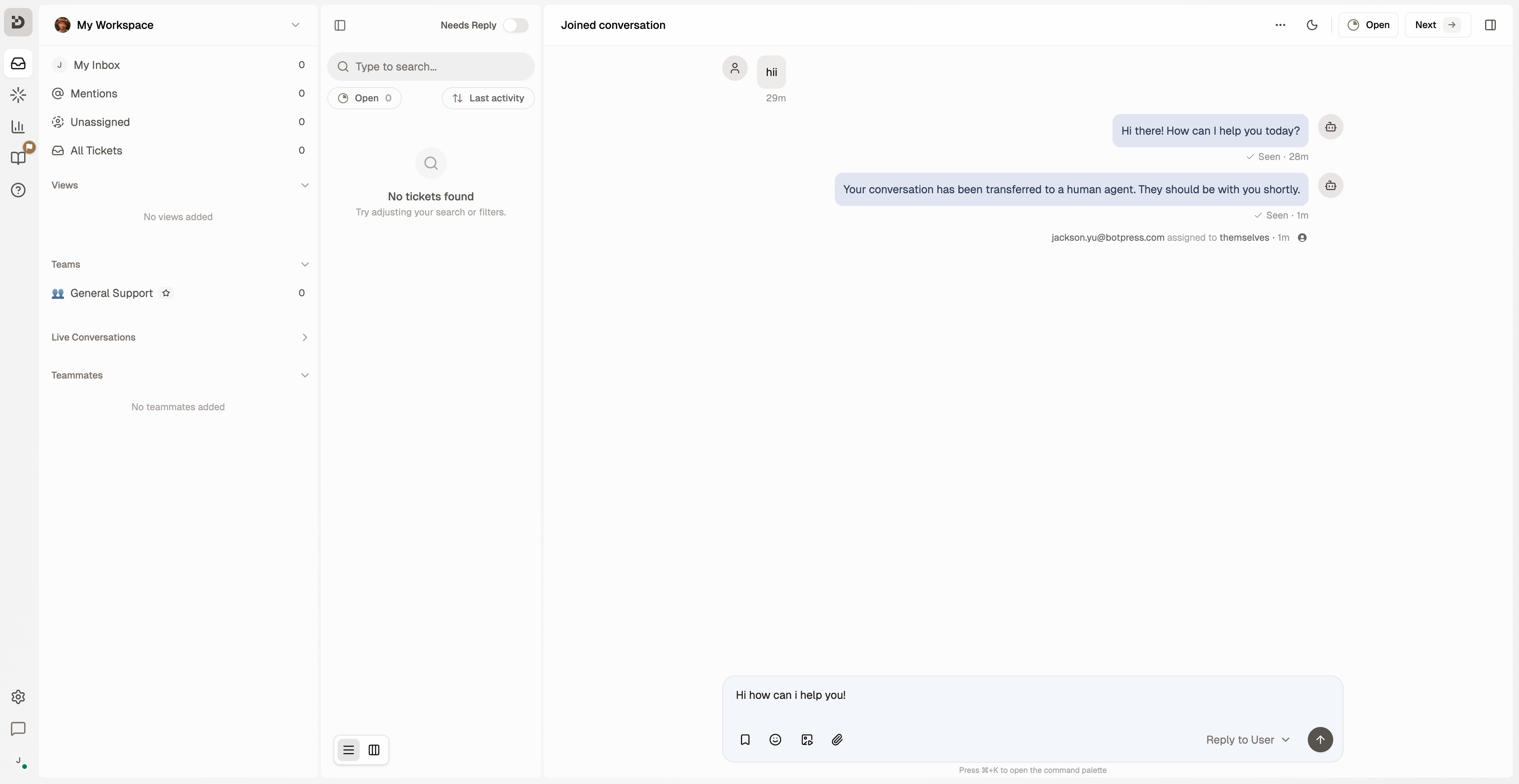
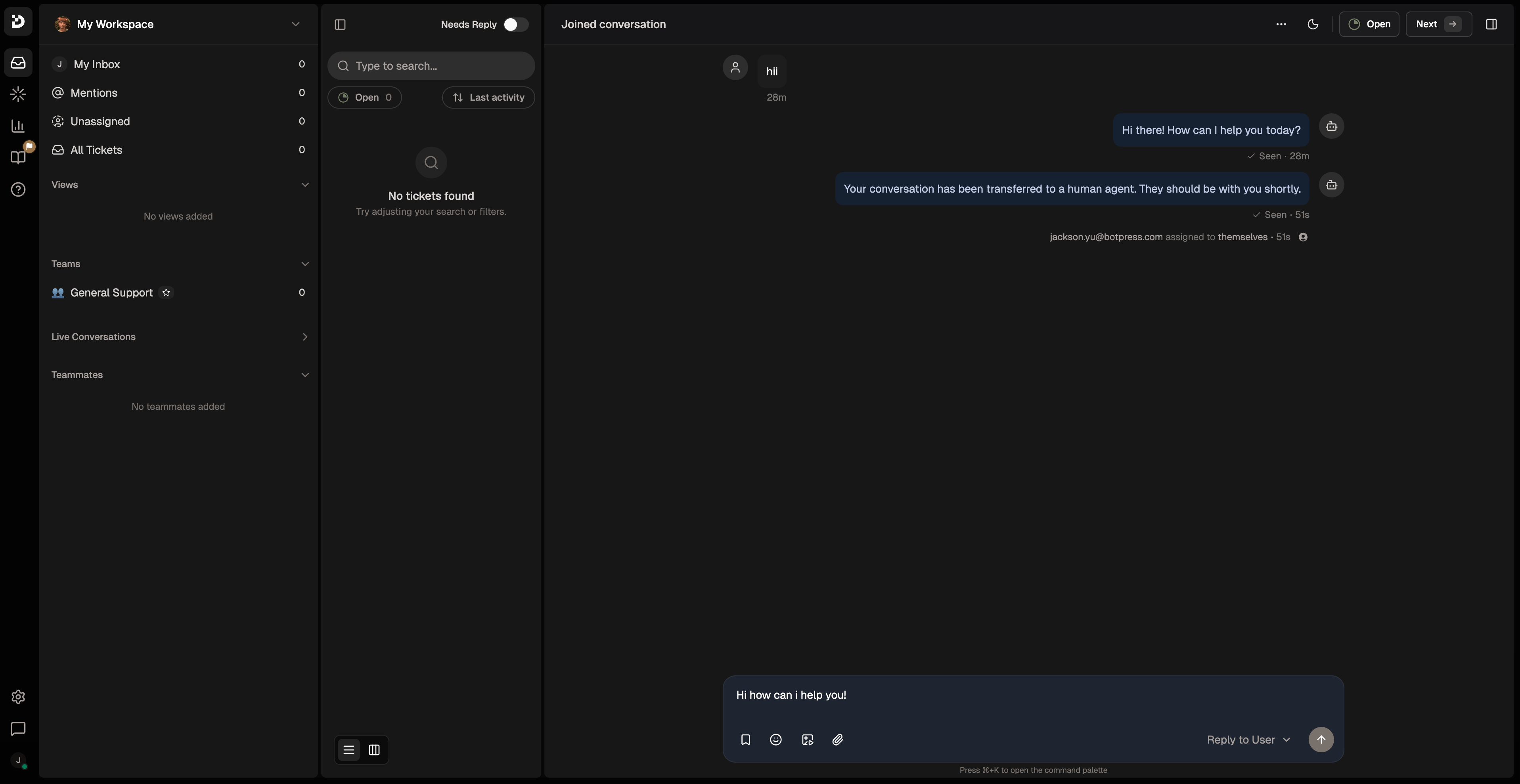
Override the default messages the plugin sends when an agent joins or a session ends:Connect your bot in Botpress Desk
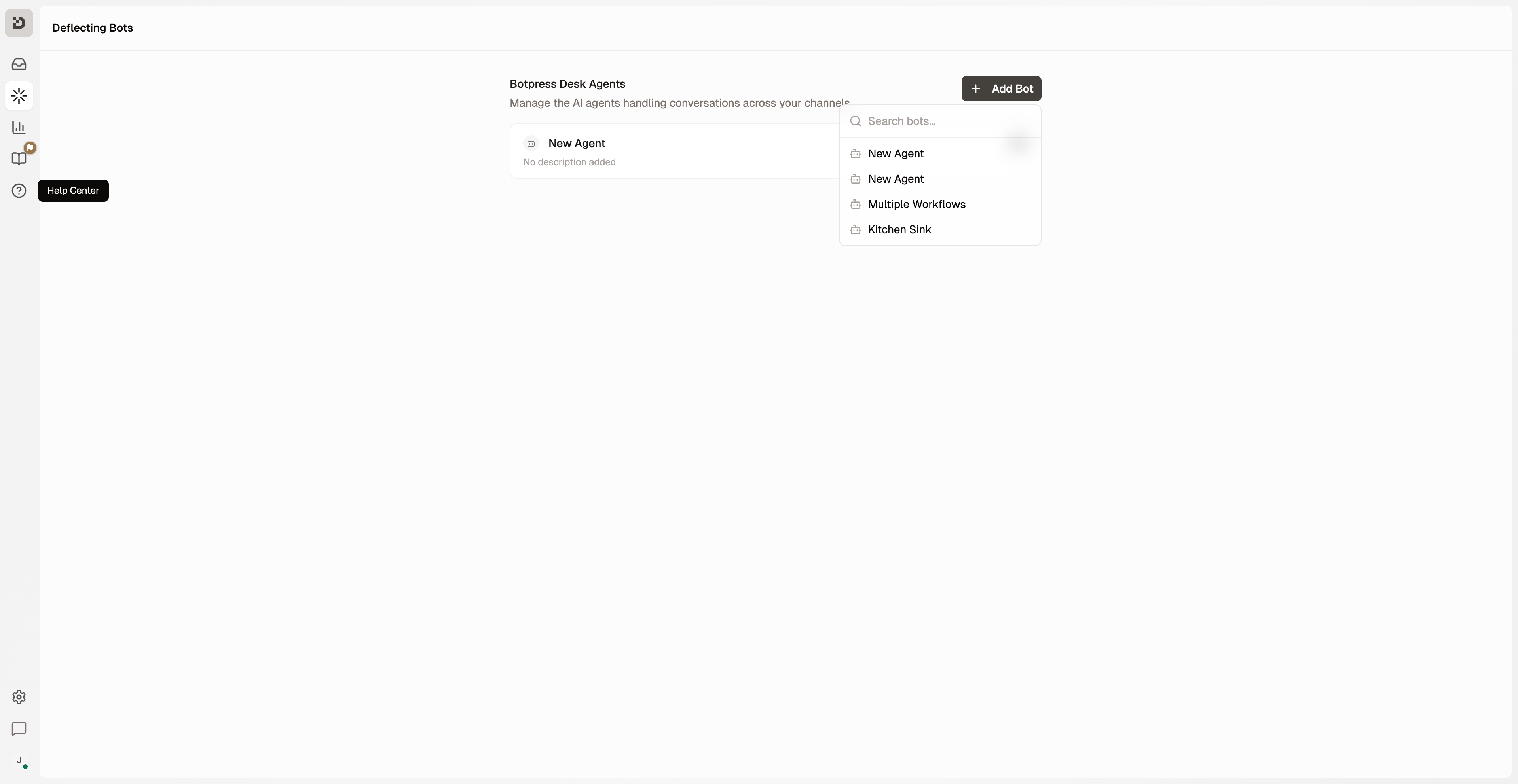
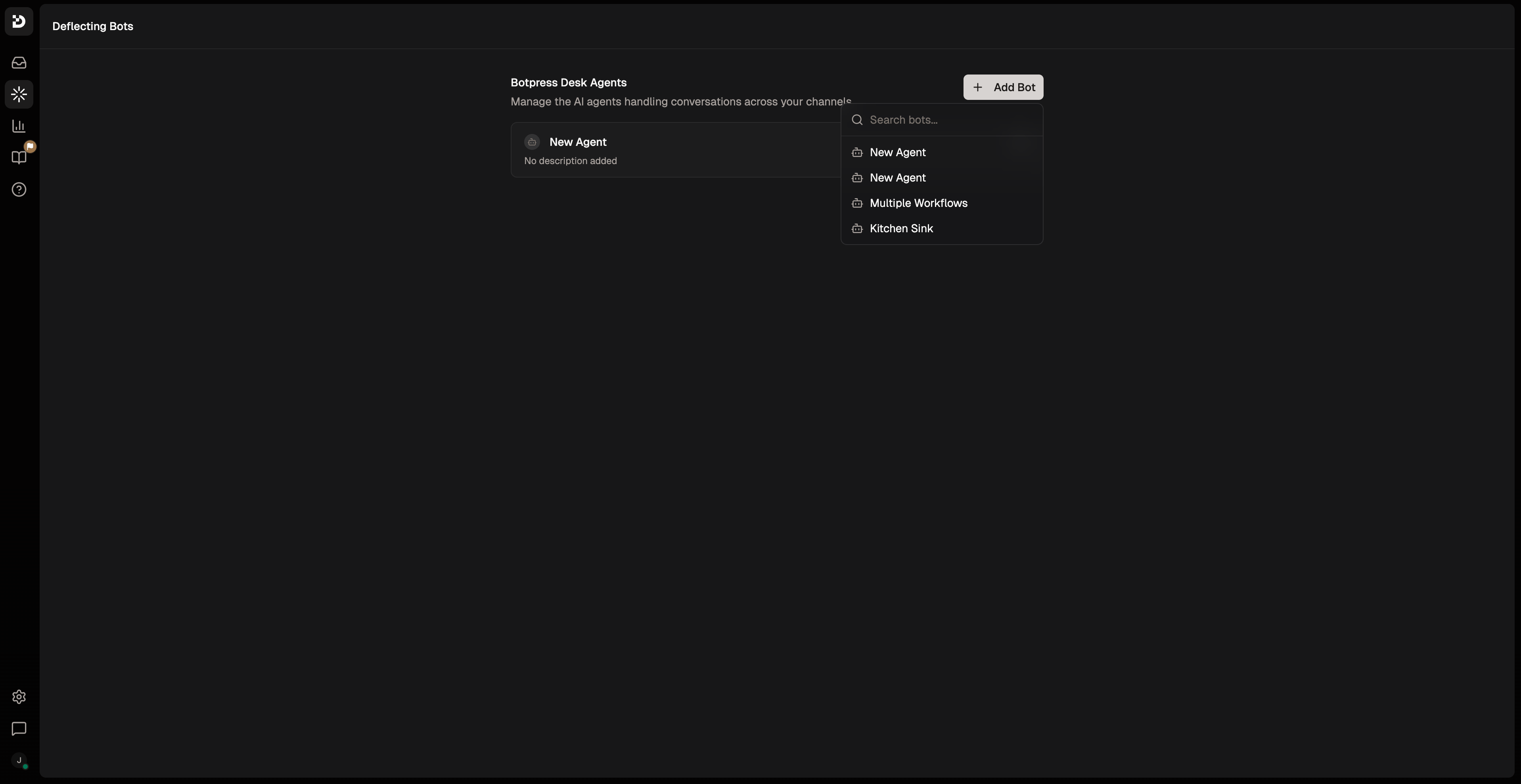
To enable escalations, link your bot to Botpress Desk from the Desk UI. This is a one-time step per bot. Your bot must be deployed at least once before it appears in the list.1
Run
adk deploy to deploy your bot.2
Open Botpress Desk.
3
Go to AI Agents → Deflecting Bots.
4
Add your bot.
Create an escalation tool
WrapstartHitl in an Autonomous.Tool so the model can decide when to escalate. Create a file called handToSupport.ts under src/tools/:
startHitl:
Use the tool in a conversation handler
Add the tool toconversations/index.ts and instruct the model when to use it: